
01
Mixed device fleets
Organisations running both Windows and Mac can watermark both.
Curtain MonGuard has three parts: an admin server that runs on Windows, a Windows client and a macOS client. The two clients do not have identical features.
| Component | Purpose | Operating system | Watermark types |
|---|---|---|---|
| Admin server (Curtain Lite Admin) | Set up and deploy watermark policies | Windows | — |
| Windows client (Curtain Lite Client) | Show the watermark on user screens | Windows | Full-screen, application |
| macOS client | Show the watermark on user screens | macOS | Full-screen (the only type confirmed in public information) |
Current support covers Windows 10, Windows 11 and Windows Server up to 2022. Ask about supported macOS versions when you apply.
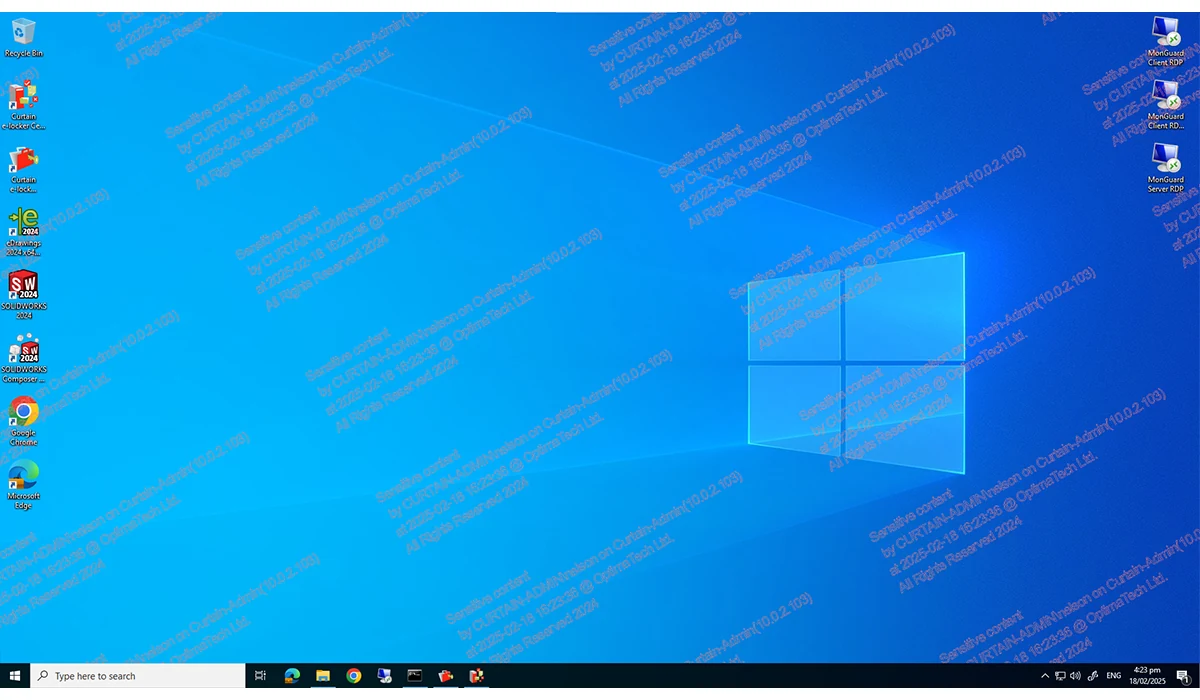
Curtain MonGuard is the name of the screen watermark product. The installer package is called Curtain Lite (Curtain Lite Admin and Curtain Lite Client) and also contains Curtain LogTrace features. That is why the Curtain Lite name appears in the system requirements and installer screens.
| Watermark type | Windows | macOS |
|---|---|---|
| Full-screen watermark | Supported | Supported |
| Application watermark | Supported (e.g. CCTV or payment systems) | Public information currently confirms the full-screen watermark only |
Do not assume a Windows feature is available on macOS. Ask about macOS details when you apply.
Document, email and USB controls cannot stop someone photographing a screen with a phone. A screen watermark puts identifying details into the captured image, whether the screen belongs to a Windows PC or a Mac.
01
Organisations running both Windows and Mac can watermark both.
02
The watermark stays on screen when staff view sensitive data at home or on the move.
03
If a screen image is shared, the watermark details can help identify the computer and time and narrow the investigation.
| Watermark content | Edition |
|---|---|
| Computer name | Free and paid |
| Date and time | Free and paid |
| Fixed text (e.g. company or department name) | Free and paid |
| User name | Paid only |
| IP address | Paid only |
Administrators choose the content and can adjust appearance such as font size, colour and transparency. Ask about macOS content options when you apply.
Submit the on-site form; Curtain MonGuard download details are provided as arranged.
Install the admin server (Curtain Lite Admin) on Windows, then install the client on each computer.
Set up watermark policies and deploy them to users.
Yes. The client shows screen watermarks on macOS. Application watermark: currently confirmed on Windows; public information for macOS currently confirms the full-screen watermark only. The admin server runs on Windows.
The admin server (Curtain Lite Admin) runs on Windows.
Windows 10, Windows 11 and Windows Server up to Windows Server 2022. Legacy compatibility data is on the system requirements page.
The supplier information does not list supported macOS versions or processor types. Ask the sales team when you apply.
Use the on-site form to request the free version or explore a trial of the paid edition.